
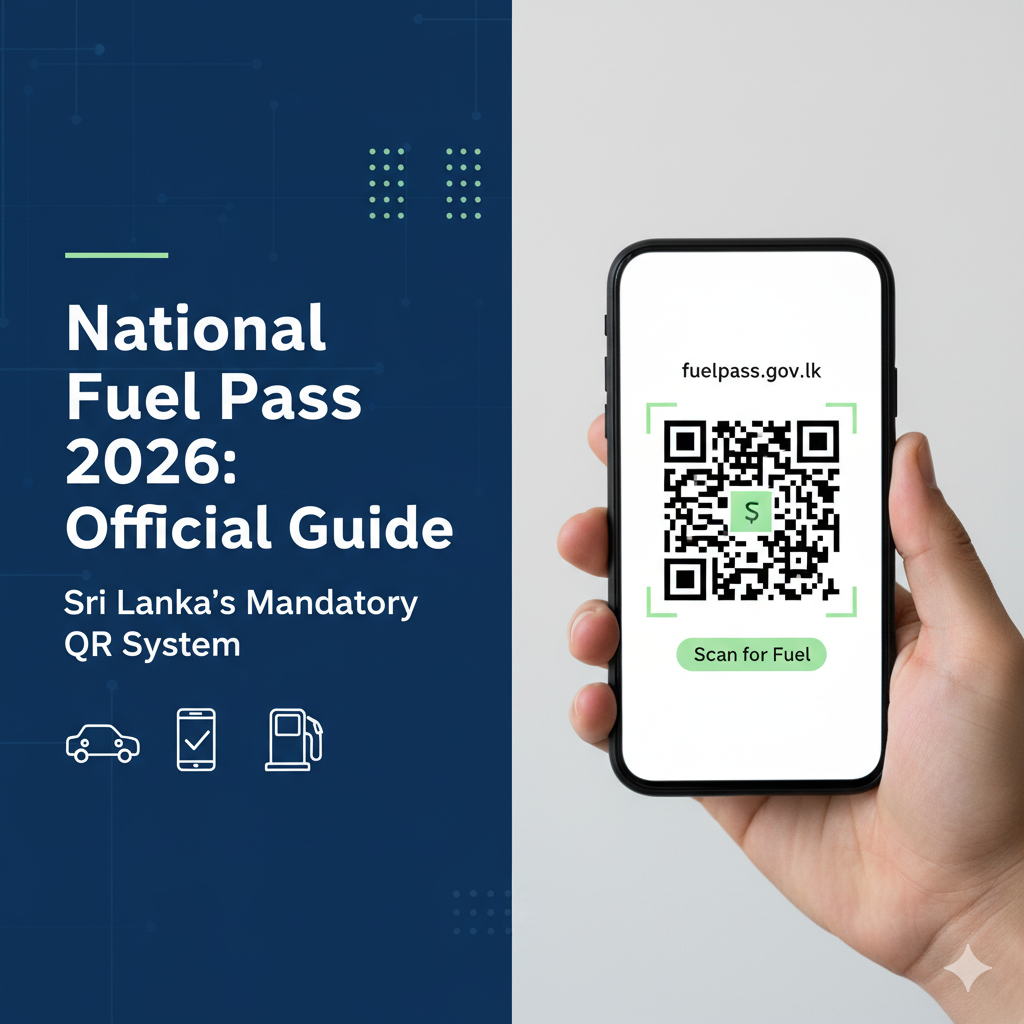
As of today, March 15, 2026, the Government of Sri Lanka has officially mandated the use of the National Fuel Pass QR system for all fuel stations across the country. Whether you are a new vehicle owner or need to update your existing information, this guide provides everything you need to ensure you have uninterrupted access to your fuel quota.
What is the National Fuel Pass?
The Fuel Pass is a digitized rationing system designed to manage fuel distribution efficiently. Every vehicle is assigned a specific weekly fuel quota based on its type. Important: Fuel will not be issued at any filling station without a valid, scannable QR code.
How to Obtain Your Fuel QR Code: Step-by-Step
1. For Existing Users
If you have registered previously and your vehicle or mobile number has not changed, your status remains active.
- Visit the official portal: fuelpass.gov.lk
- Click on “Vehicle Login.”
- Download your existing QR code to your device or print a physical copy.
2. For New Users or Those With Changes
If you have recently purchased a vehicle or updated your mobile number, follow these steps:
- Go to fuelpass.gov.lk.
- Select the “Vehicle Registration” button.
- Enter your NIC/Passport/Business Registration number and vehicle details.
- Once verified, your new QR code will be generated.
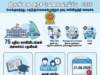
2026 Weekly Fuel Quota Allocations
Ensure you are aware of your vehicle’s weekly limit. Quotas refresh every Sunday night; unused portions do not roll over to the next week.
Vehicle Type | Weekly Quota (Litres) |
|---|---|
Motorcycles | 5 L |
Three-Wheelers | 15 L |
Motor Cars | 15 L |
Vans | 40 L |
Buses | 60 L |
Motor Lorries | 200 L |
Land Vehicles | 25 L |
Special Purpose Vehicles | 40 L |
Frequently Asked Questions (FAQ)
Q: Where can I check my remaining fuel balance?
A: You can check your balance on the official website or via SMS by sending Fuel <space> Bal <space> Vehicle Number to 0766220000.
Q: Is there an official mobile app?
A: Always prioritize the official web portal fuelpass.gov.lk. Avoid third-party apps that ask for your personal credentials.
Q: What if I lose my QR code?
A: You can easily retrieve it by logging into the official portal using your registered mobile number.
Important Security Warning
Beware of scams. The government does not charge any fee for QR code registration. Only use the official URL fuelpass.gov.lk. If you encounter any suspicious websites requesting payment, report them immediately.
for already registed user, click below 👇
Already Registered? How to Retrieve and Reuse Your Fuel QR Code in 2026







Motorcycle
R