
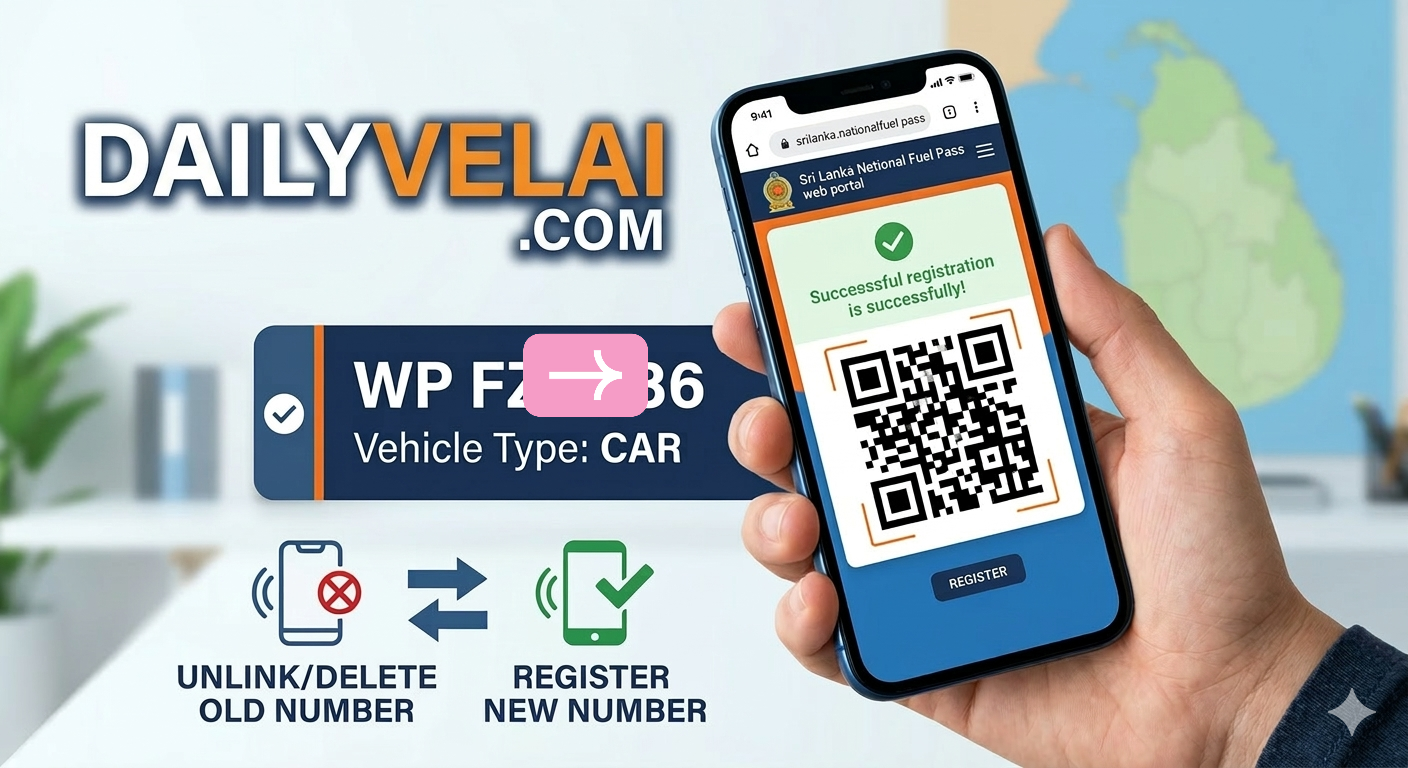
How to Delete Old Fuel Pass Registration
If you have recently purchased a pre-owned vehicle in Sri Lanka, you might encounter a common issue: “Registration Failed – Vehicle already registered.” This happens when the previous owner has not unlinked the vehicle from their National Fuel Pass account.
Since the fuel quota is tied to the vehicle’s chassis number, you cannot register it under your new mobile number until the old record is deleted.
Here is a step-by-step guide on how to resolve this and get your new QR Code.
Method 1: Deleting via SMS (The Fastest Way)
This method works best if you can still contact the previous owner. They must send the SMS from the mobile number originally used to register the vehicle.
Recipient Number: 070 444 4444
Format: FUEL DELETE [Vehicle Number]
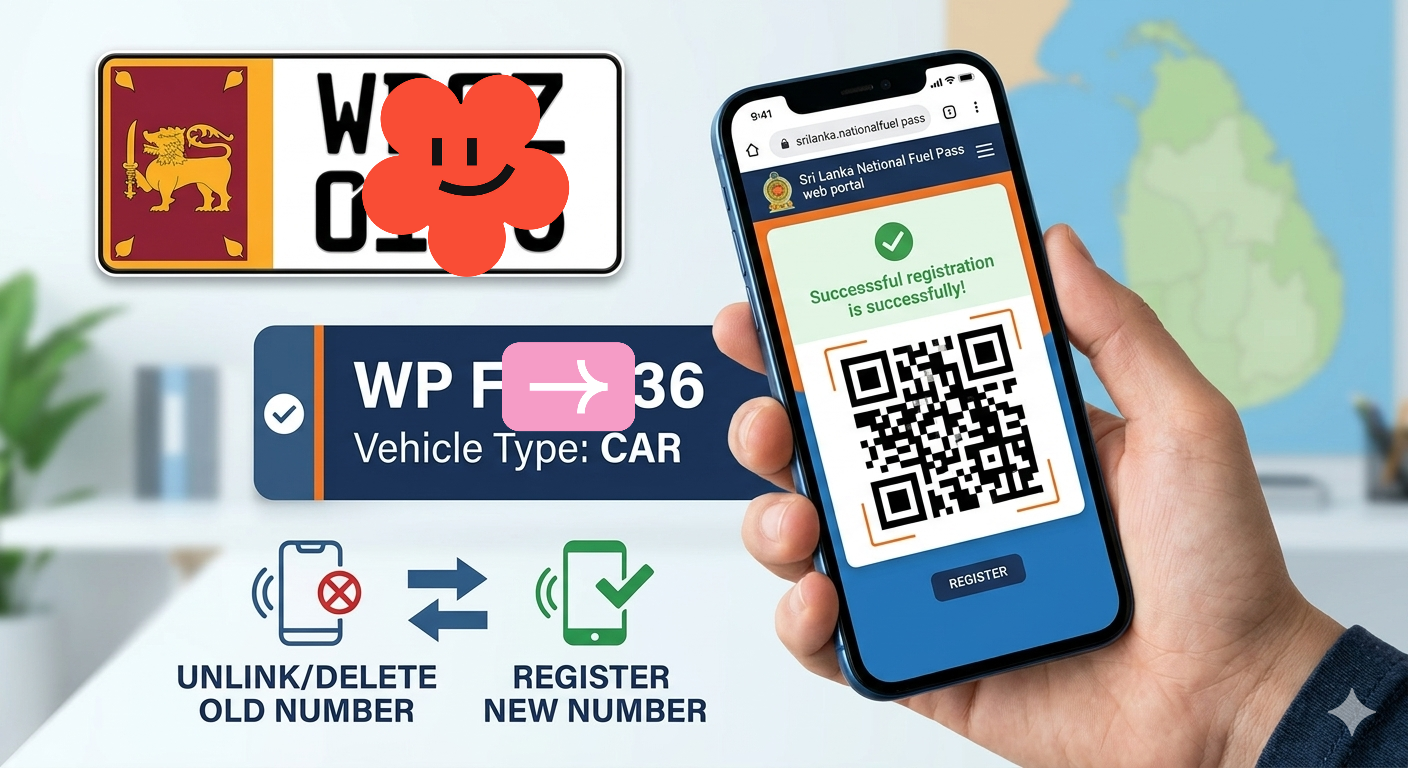
Example: FUEL DELETE WPFZ0136
Note: If you send this from your new number and it doesn’t work, it means the system only recognizes the command from the registered owner’s phone.
Method 2: Call the 1919 Government Information Center
If you cannot contact the old owner, the 1919 helpline is your most reliable resource.
Dial 1919 from any network (Available in Sinhala, Tamil, and English).
Explain that you have purchased a used vehicle and the previous registration is still active.
The agent will verify your identity and vehicle details (usually the Chassis Number or Engine Number found on your Revenue License).
Once verified, they will manually unregister the vehicle from the old number.
Pro Tip: If the line is busy during the day, try calling late at night or early in the morning as the service operates 24/7.
Method 3: Visit Your Divisional Secretariat
If the hotline is unavailable, you can visit the Divisional Secretariat (Pradeshiya Sabha) in your area.
Go to the technical or IT department handling National Fuel Pass issues.
Bring these documents:
Vehicle Registration Book (CR Book).
Current Revenue License.
Your National Identity Card (NIC).
The officers there have administrative access to reset vehicle registrations and can update your details on the spot.
Step 4: Register for Your New QR Code
Once the old registration is successfully deleted, follow these steps to register your vehicle:
Visit the official website: fuelpass.gov.lk.
Click on Register and enter your NIC and new mobile number.
Enter the OTP received on your phone.
Input your vehicle details accurately (e.g., Vehicle Class, Fuel Type, and Chassis Number).
Double-check: Ensure you select the correct Vehicle Type (e.g., CAR for WPFZ0136).
Download and save your new QR code.
Managing your National Fuel Pass shouldn’t be a headache. By following these steps, you can ensure your vehicle is correctly registered to your name and phone number.
How to Delete Old Fuel Pass Registration – Was this helpful? Share this post with others who might be facing the same issue!
Don’t Miss Our Previous Helpful Posts!
Found this guide useful? We have a wealth of information on vehicle maintenance, tech tips, and the latest job opportunities at DailyVelai.com.
Check out some of our most popular previous articles:
- 🔗 [ Already Registered? How to Retrieve and Reuse Your Fuel QR Code in 2026 ]
- 🔗 [ How to Register for the National Fuel Pass QR System in Sri Lanka (2026 Guide ]
- 🔗 [ Available jobs in Sri Lanka ]
Stay updated with the latest news by following our official pages